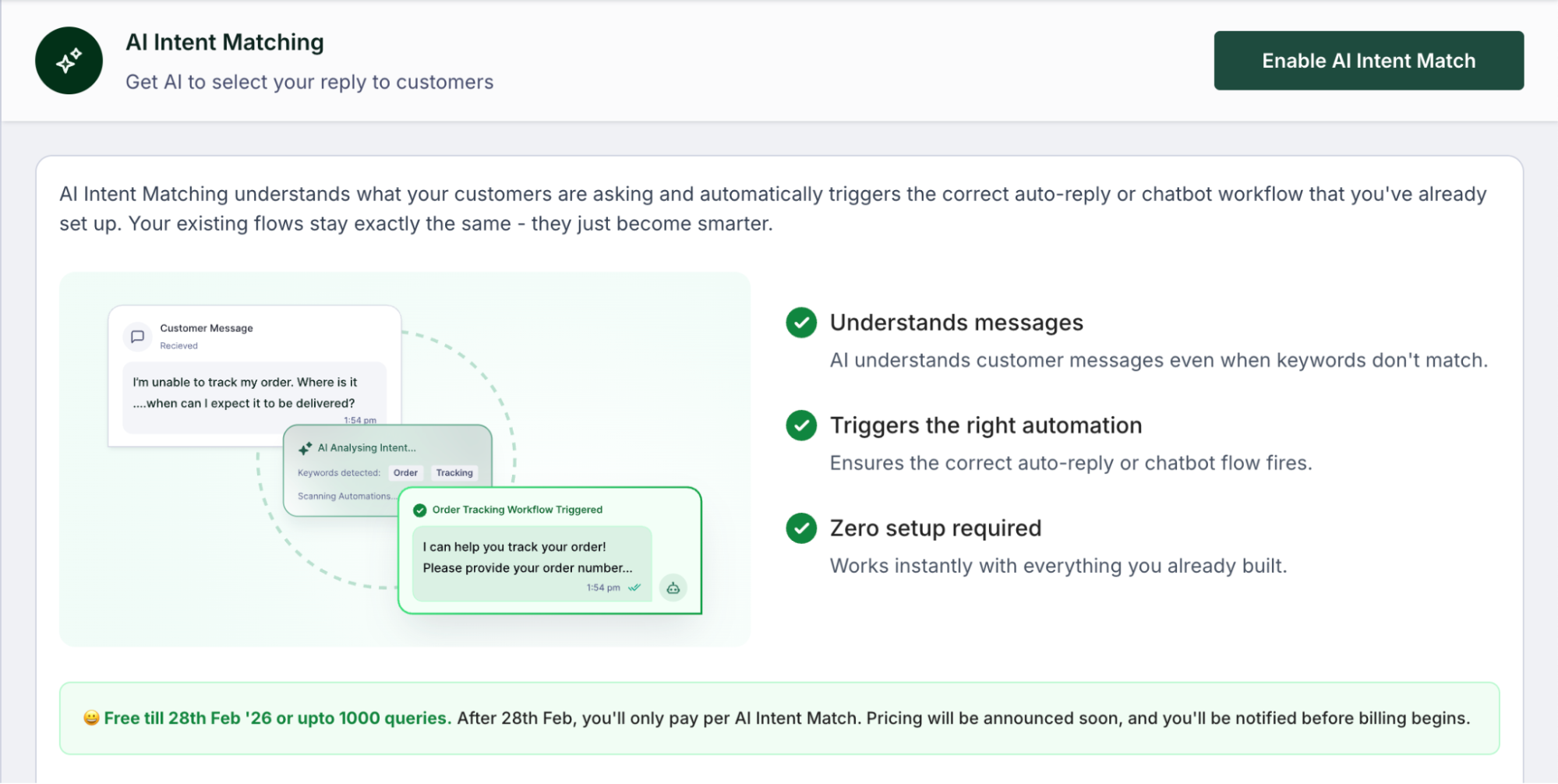
AI Intent Match is a powerful feature designed to make your chat automations more intelligent and effective. By moving beyond simple keyword matching, this tool allows your system to understand what a customer truly means, ensuring they receive the right response even if they do not use your exact trigger words.
How AI Intent Match Works
Traditionally, Workflows & Custom Auto Replies on Interakt have relied on exact matches or contains matches to trigger a reply. For example, if your trigger was “track order,” a customer asking, “Where is my order?” might not have received a response because the words did not match perfectly.
With AI Intent Match, the system uses AI to analyze the intent behind a message.
- The Process: When a customer sends a message, the AI compares it against the trigger keywords of your existing workflows and custom auto-replies.
- The Match: If the AI determines that the customer’s intent matches the trigger keywords of a specific workflow / auto-reply, it triggers that predefined workflow/autoreply automatically.
- The Outcome: Businesses who were previously only able to answer about 50% of customer queries automatically can expect that number to rise to 70–75% by enabling this feature.
How to Take AI Intent Match Live
Activating AI Intent Match in your platform is straightforward, and there are several places where you can enable it:
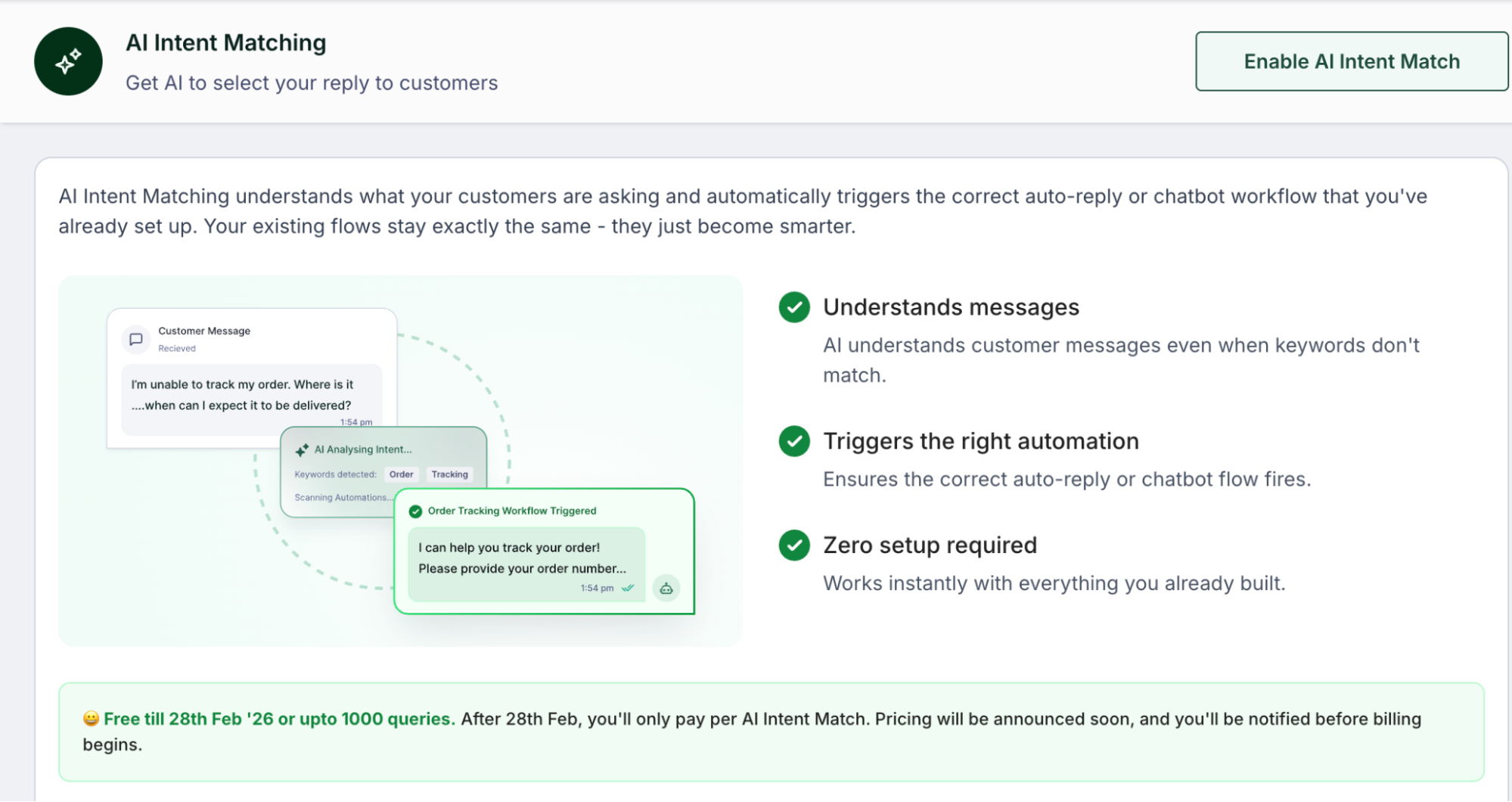
- Dedicated AI Intent Matching Page: The primary way to activate this feature is via the dedicated AI Intent Matching page (https://app.interakt.ai/automation/ai-intent-matching). You can find this page within the Automations section.
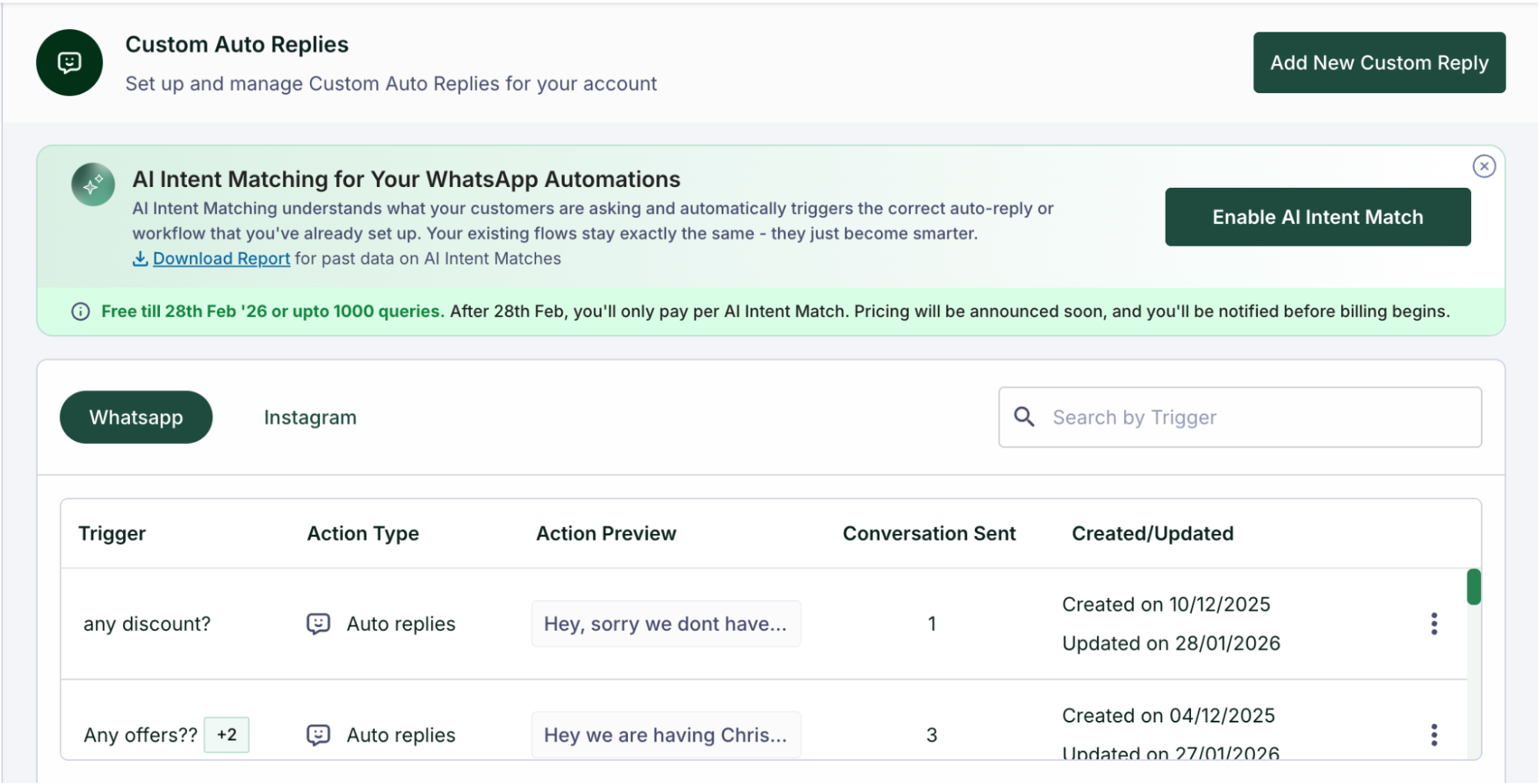
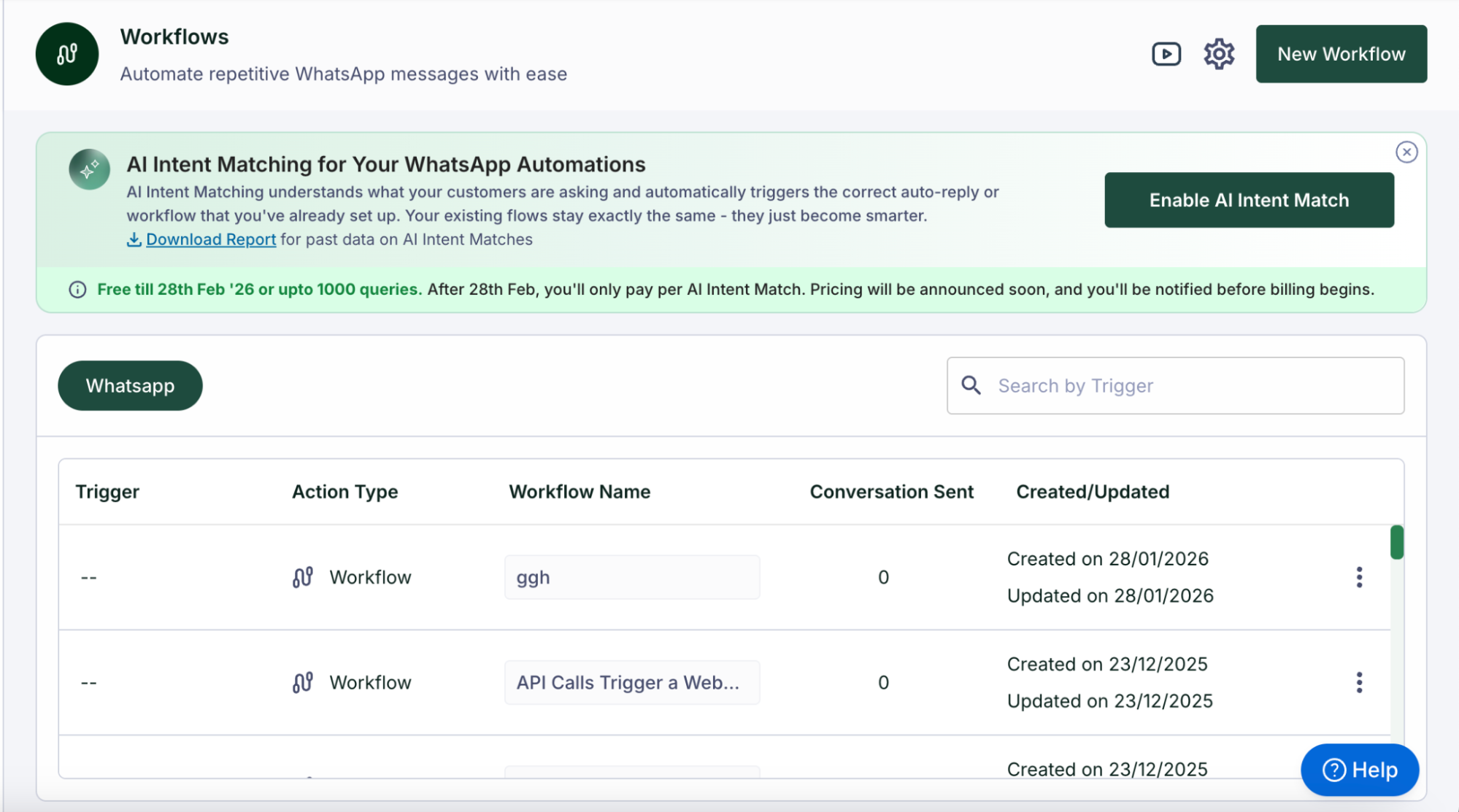
- Workflows or Custom Auto Replies Pages: Alternatively, you can also enable the feature directly from the Workflows page or the Custom Auto Reply page. On these pages, you will see a banner with a button to enable AI Intent Match.
- Activation Requirement: To successfully enable this feature, your account must have at least three active workflows or custom auto-replies. If you have only one or two, or if your workflows are created but not activated, the system will not allow you to enable AI Intent Match.
Real-World Examples
The system is designed to handle natural language, making interactions feel more seamless for the end customer.
- Catalog Requests: If a merchant has a “Show Catalog” trigger, a customer asking “Please show some shirts” or “I want to buy a formal shirt” will successfully trigger the workflow / custom auto reply supposed to trigger on “Show Catalog”.
- Order Management: A customer saying “I want to cancel my order as there is a change in my plans” will be correctly directed to the workflow having “Cancel Order” as the trigger.
- Policies: Asking “Do you guys allow exchange?” will trigger the custom auto-reply having “Exchange policy” as a trigger.
Multilingual Capabilities
Because the system is powered by AI, it is inherently intelligent and multilingual. It is likely to understand queries in Hindi, including messages written in Hindi font. While other languages like Marathi may work, businesses are encouraged to test specific languages to confirm accuracy.
Monitoring and Performance
To help you understand how the AI is performing, you can download an AI Intent Match report from the dashboard. This report provides:
- The exact customer query.
- The specific workflow or custom auto-reply that was triggered.
- A direct chat link so you can review the full conversation.
Pricing and Trial
The feature is being offered for free until February 28th, 2026. Following the free period, charges will be applied on a “per match” basis. You will only be charged when the AI successfully matches a customer query to a workflow / custom-auto-reply. The exact per-match charges will be informed prior to 28th Feb, 2026.
AI Intent Match vs. AI Agents
It is important to distinguish this feature from full AI Agents, as they serve different purposes:
- AI Intent Match: Acts as a “smart selector” that identifies the intent and sends a predefined reply you have already written in your workflows. It is a powerful solution for those who want their existing chat automations to continue working, but be more intelligent without the cost of a full agent.
- AI Agents: These are highly trained systems that generate their own human-like responses based on your catalog, website, and FAQs. They handle full conversations rather than just triggering specific workflows. If you are looking for a WhatsApp AI agent, please click here.